
Support
Add a server
- Open OpenBoth and tap Add a Server.
- Type your server's address, for example
chat.example.comor192.168.1.20:3000. You can leave outhttps://: the app tries a secure connection first. - For Open WebUI, sign in with the email and password you use on the web. For OpenCode, type the server's password, or paste a pairing link made with
opencode pairon the computer that runs it.
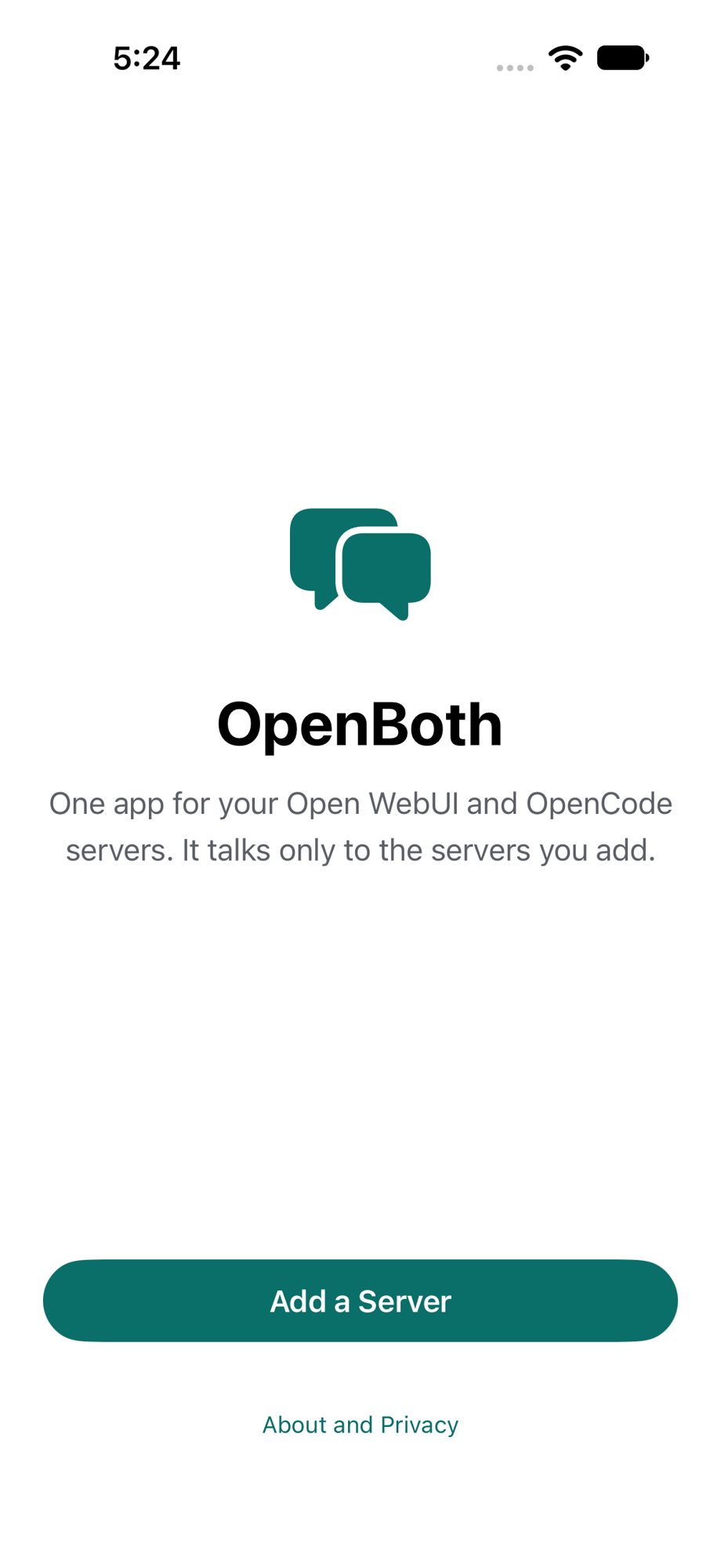
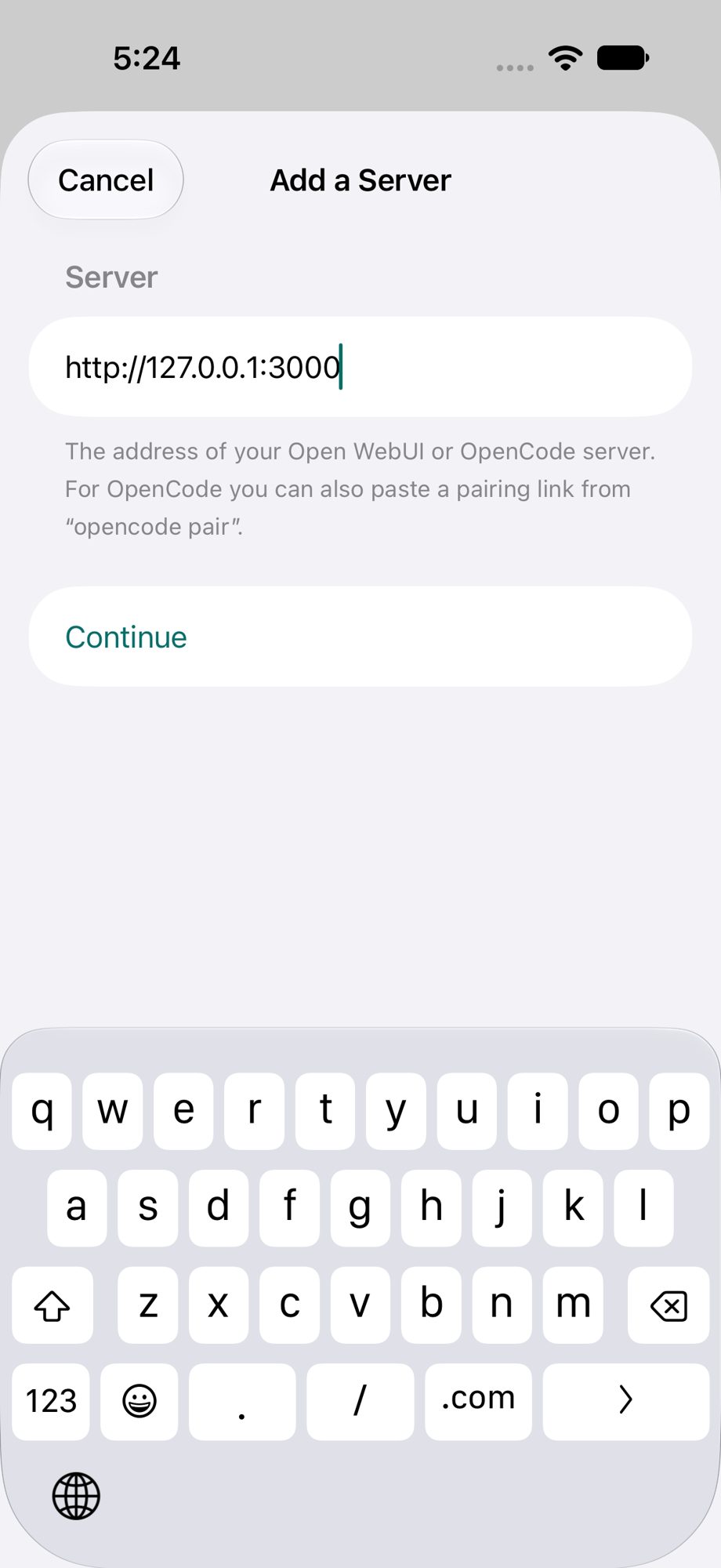
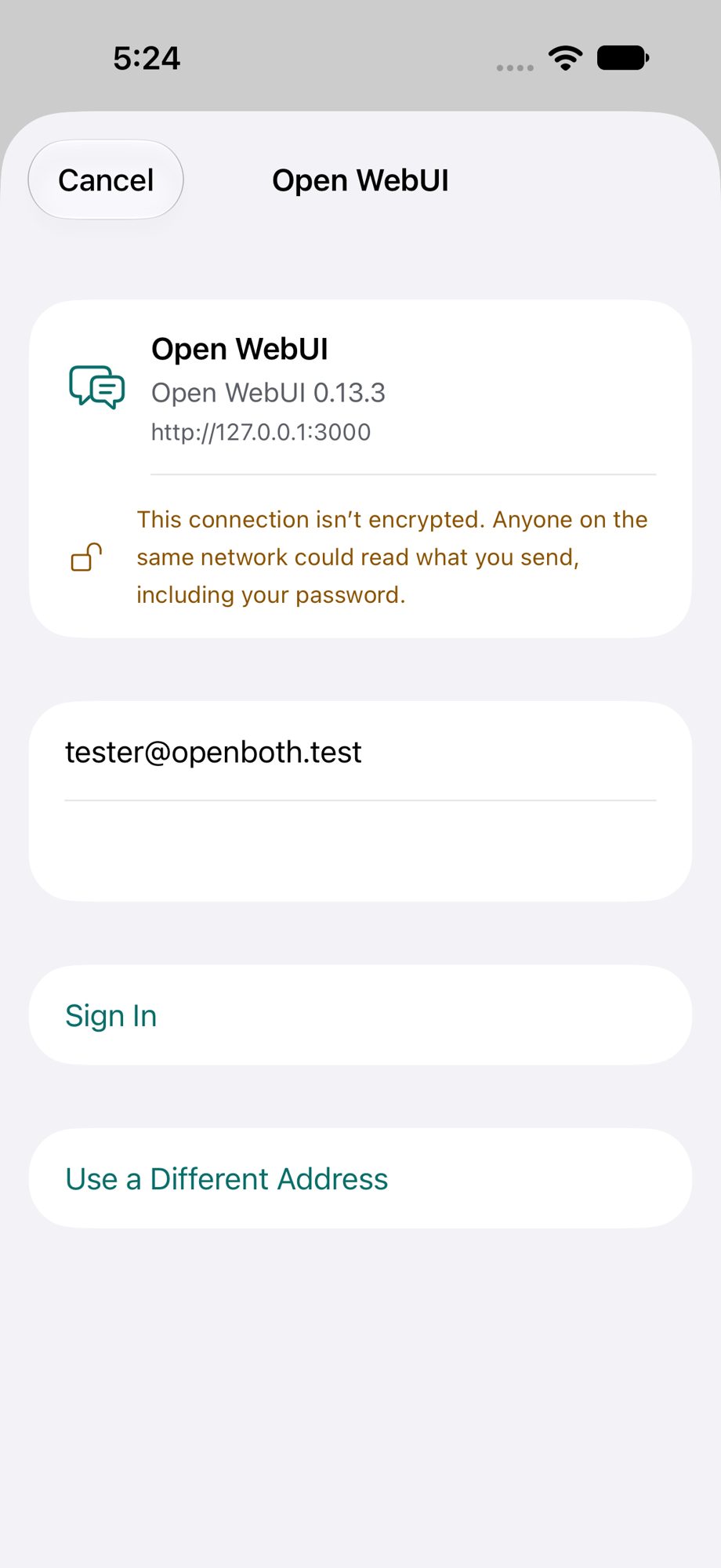
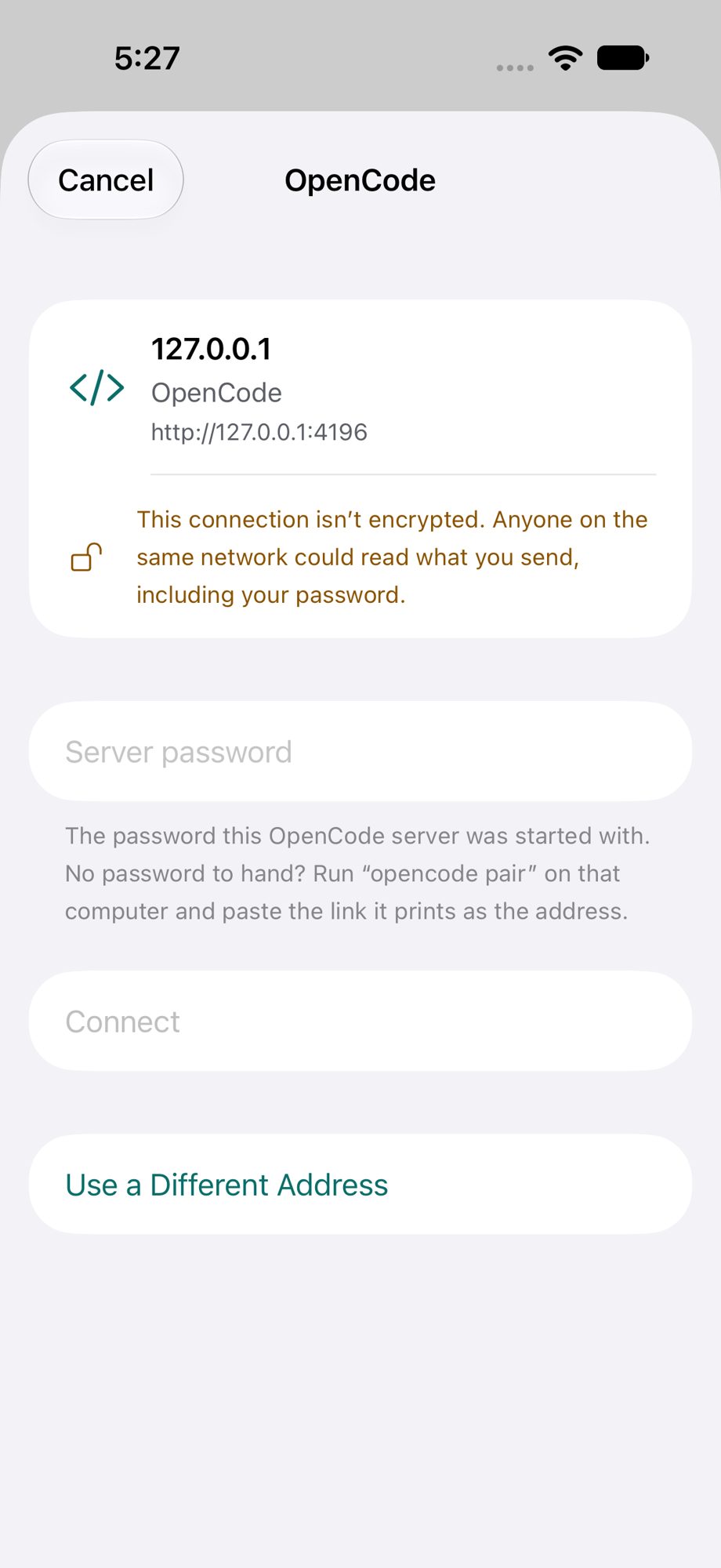
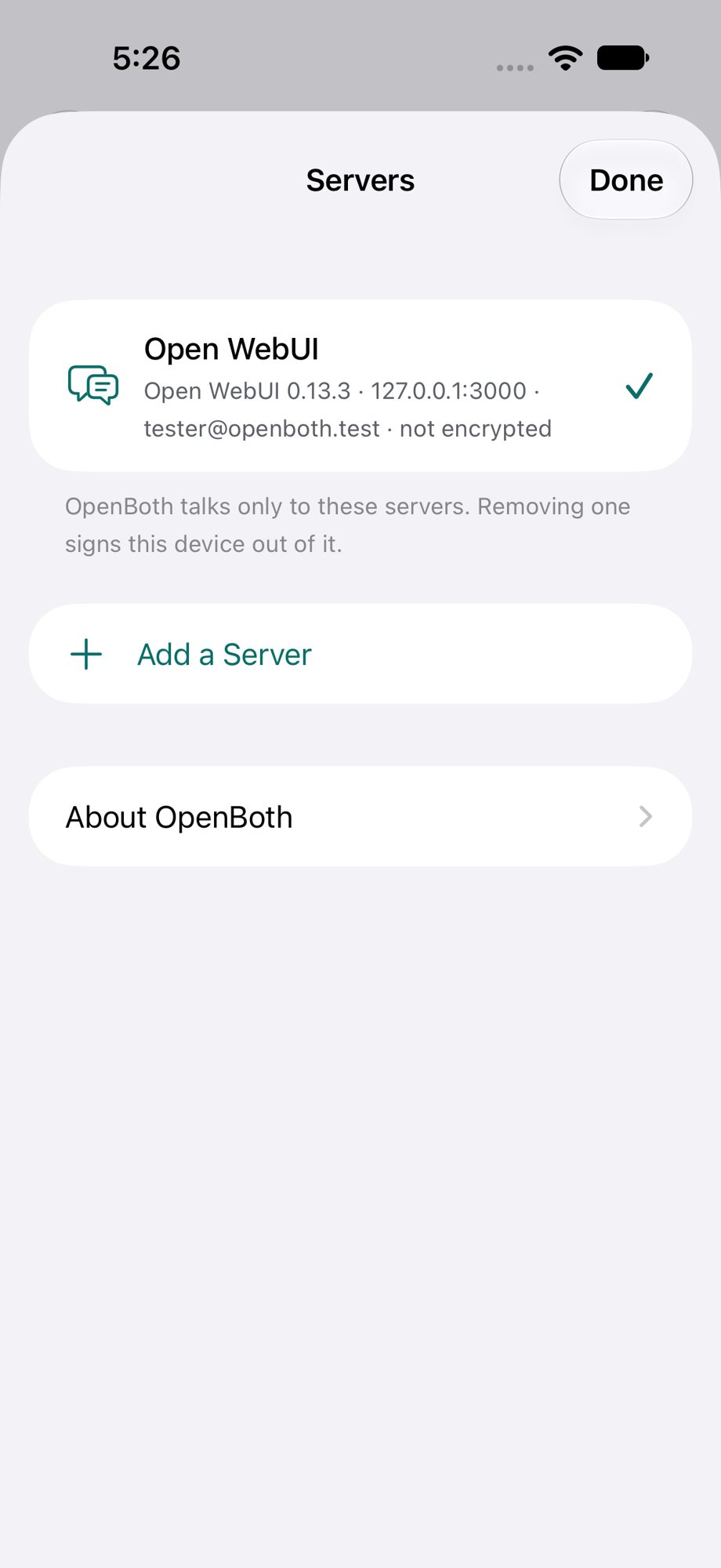
To add another server later, open the chat list, tap the servers button at the top, then Add a Server.
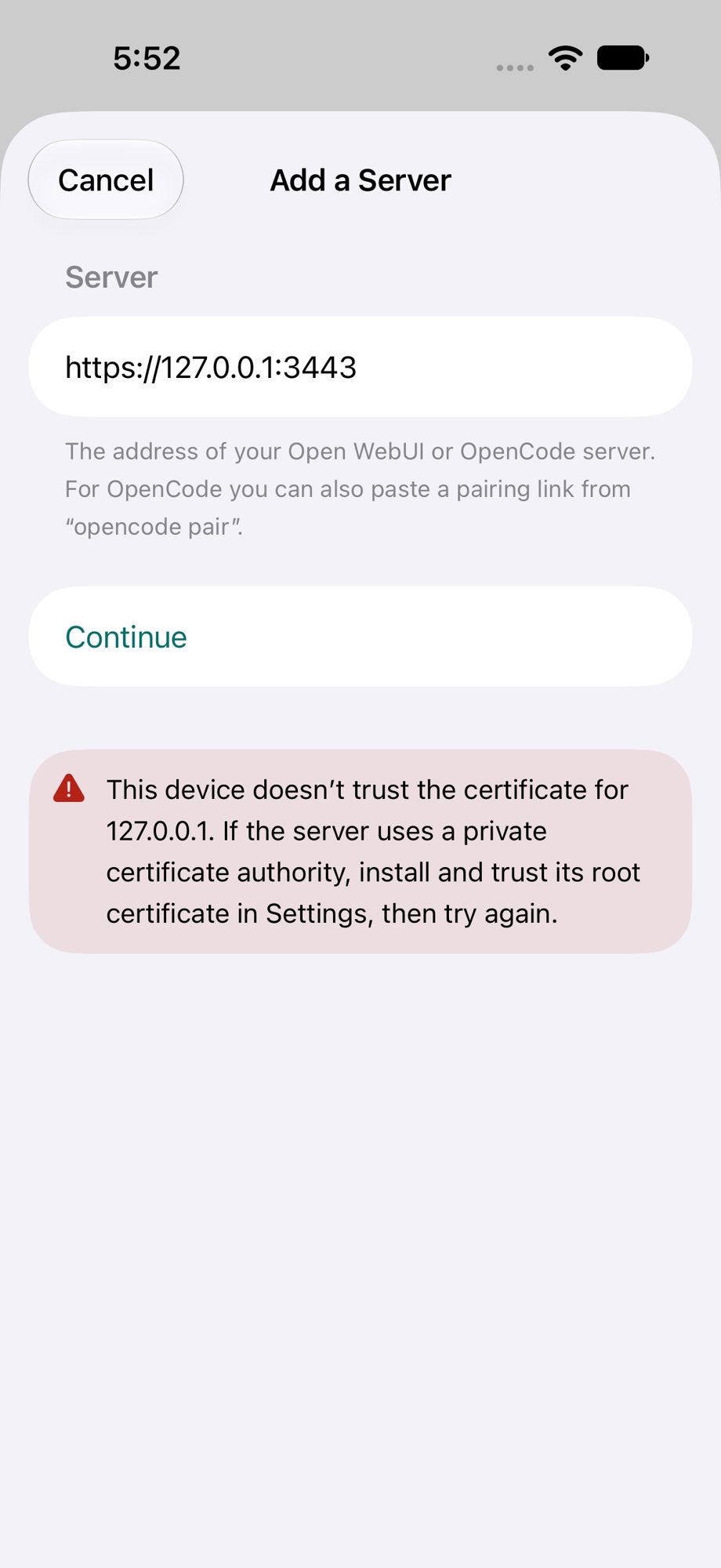
"This device doesn't trust the certificate"
Your server uses a certificate from your own certificate authority, and this iPhone or iPad does not trust that authority yet. Install the authority's certificate on the device, then switch it on under Settings > General > About > Certificate Trust Settings. OpenBoth uses the device's own trust and has no switch to skip the check.
"OpenBoth would like to find devices on your local network"
iOS asks this the first time the app reaches a server on your home or office network. Choose Allow. If you chose Don't Allow, switch it on under Settings > Privacy & Security > Local Network.
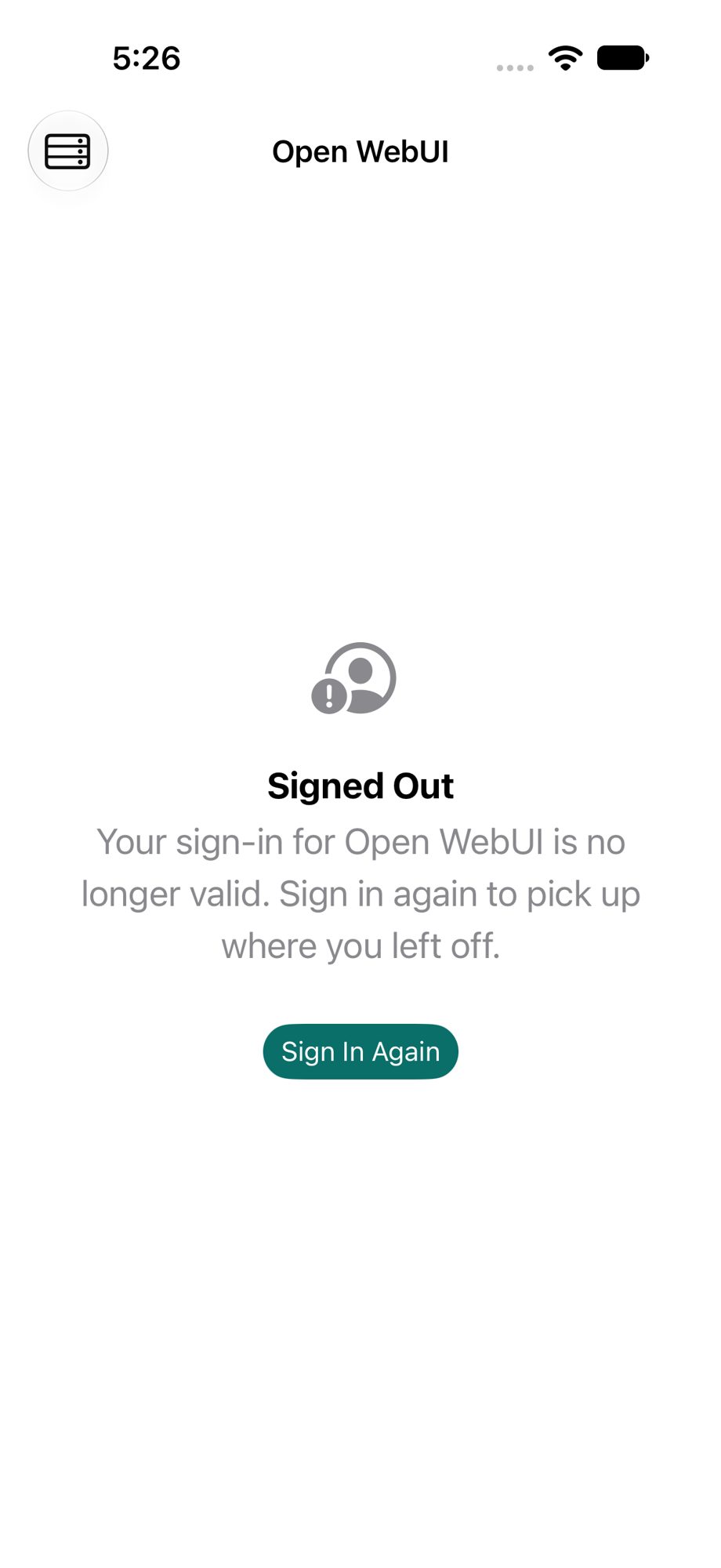
Sign-in stopped working
If the app says your sign-in is no longer valid, tap Sign In Again. Your server stays in the list. This happens when the session was ended on the server, the password changed, or an OpenCode pairing token expired.
Which server versions work
Open WebUI 0.13 or later. OpenCode 2. The app checks when it connects and says so if a server is older.
Remove a server
Open the servers list, swipe the server to the left and tap Remove. The app forgets its sign-in. Nothing on the server is deleted.
What the app sends, and where
Only to the servers you add. Nothing goes to us. The privacy policy has the details.